


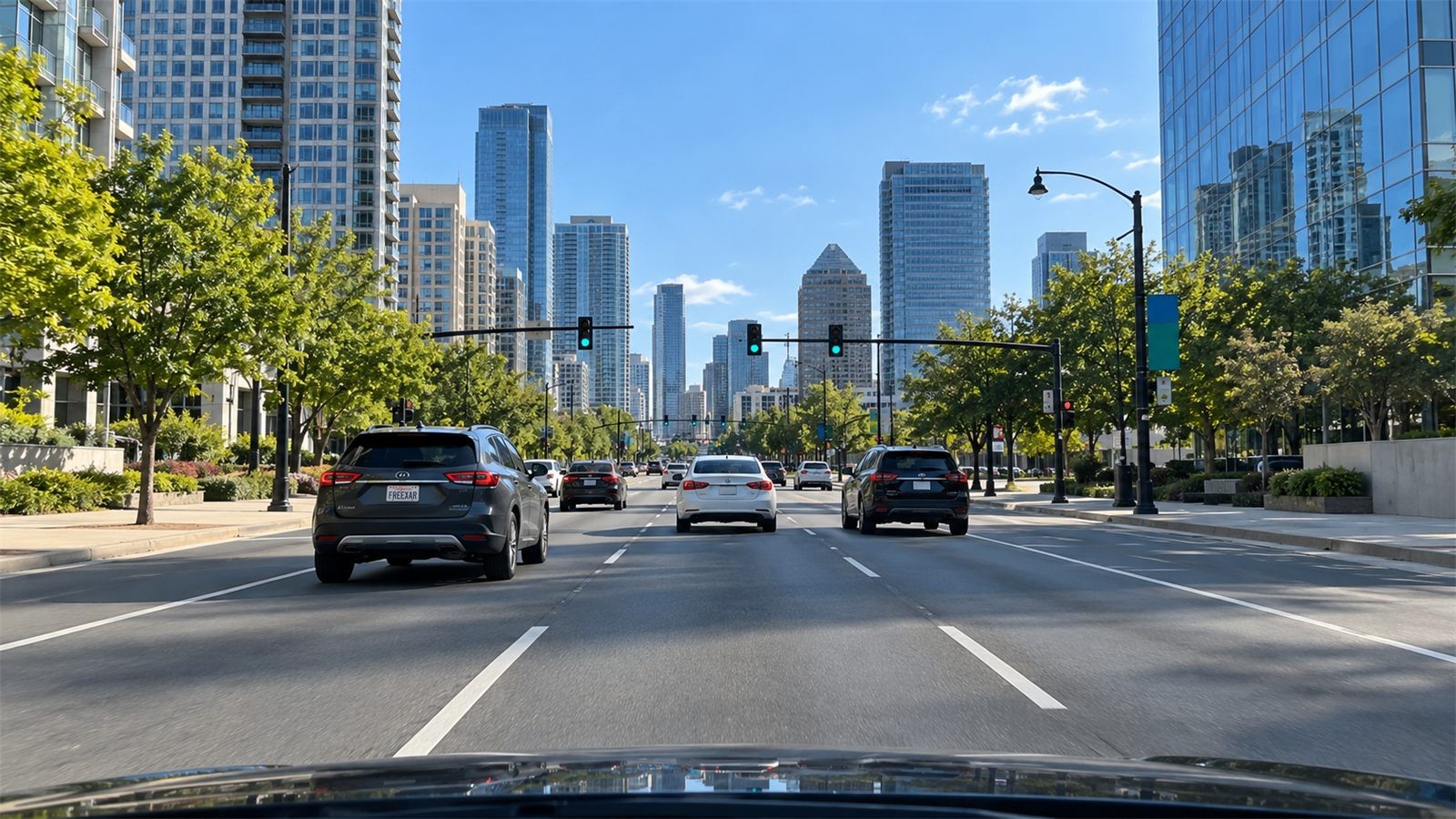
REC Front 4K
Front · 4K · 160°
Records the road ahead at 3840 × 2160, wide enough to take in the lanes on both sides of you.

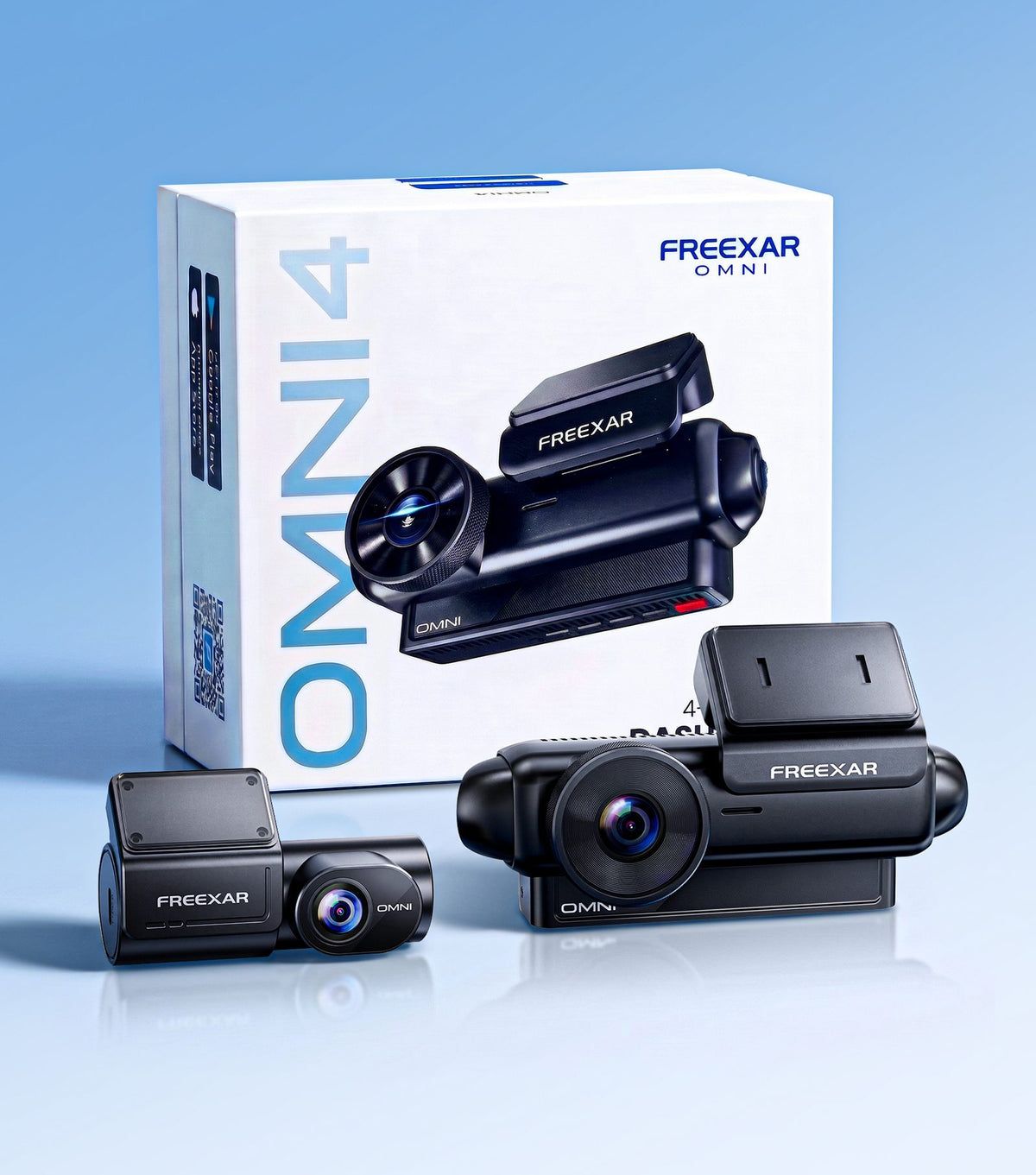
Freexar OMNI 4 360° Dash Cam

Most dash cams watch the road ahead and maybe the road behind. OMNI 4 adds a 180° fisheye lens on each side, so a sideswipe, a door ding or a lane change is on record too.
REC Front 4K
Records the road ahead at 3840 × 2160, wide enough to take in the lanes on both sides of you.

REC Rear 2K
A separate rear camera on the back window records at 2560 × 1440, so the car that follows too close is on record.
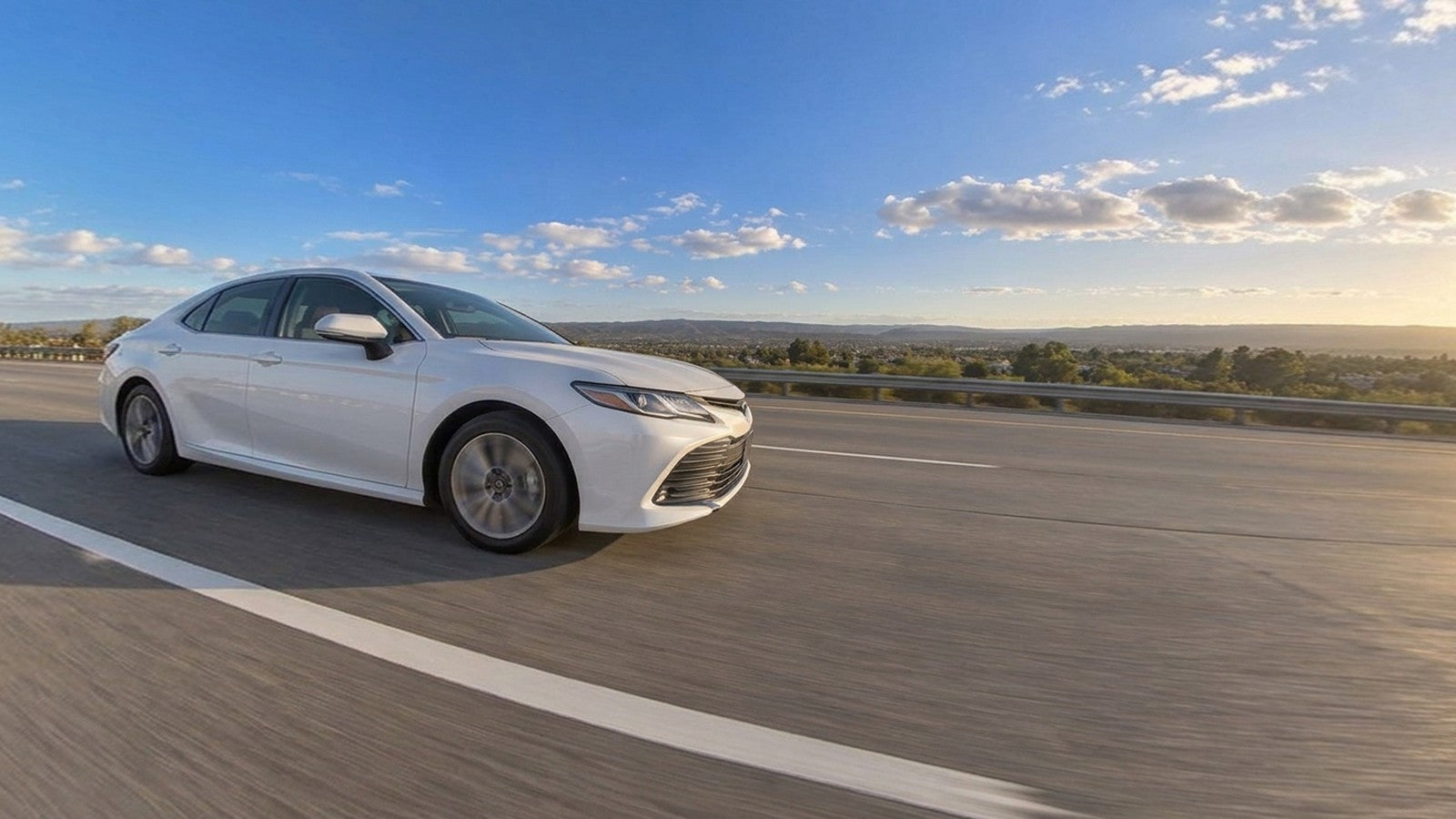
REC Left 180°
A fisheye lens on the driver's side sees the whole lane beside you, from the front fender to the rear door.
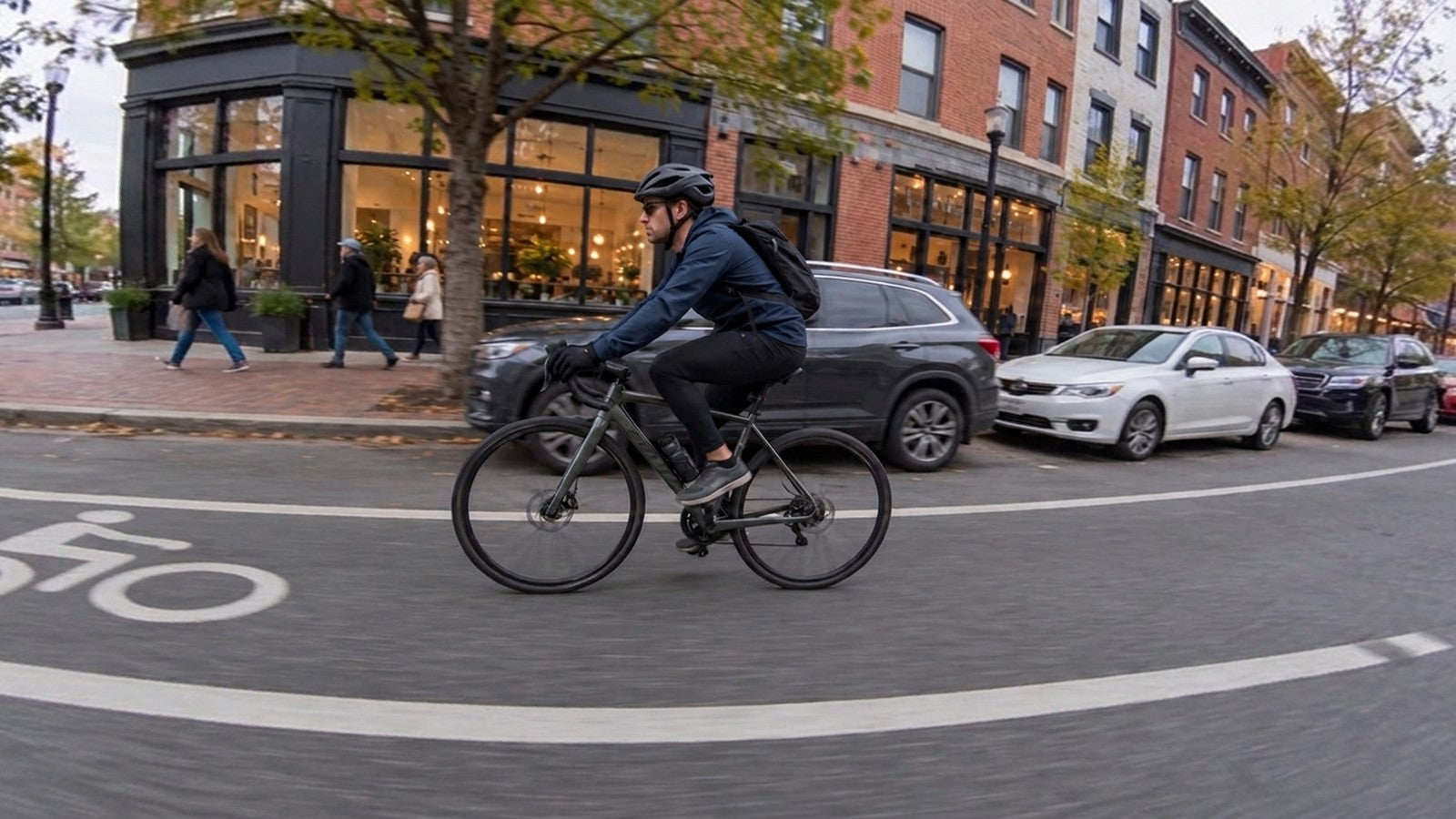
REC Right 180°
The curb side, where cyclists, scooters and merging cars come up beside you.


REC All four
Front, rear, left and right record at the same moment, so what happens around the car doesn't fall between views.
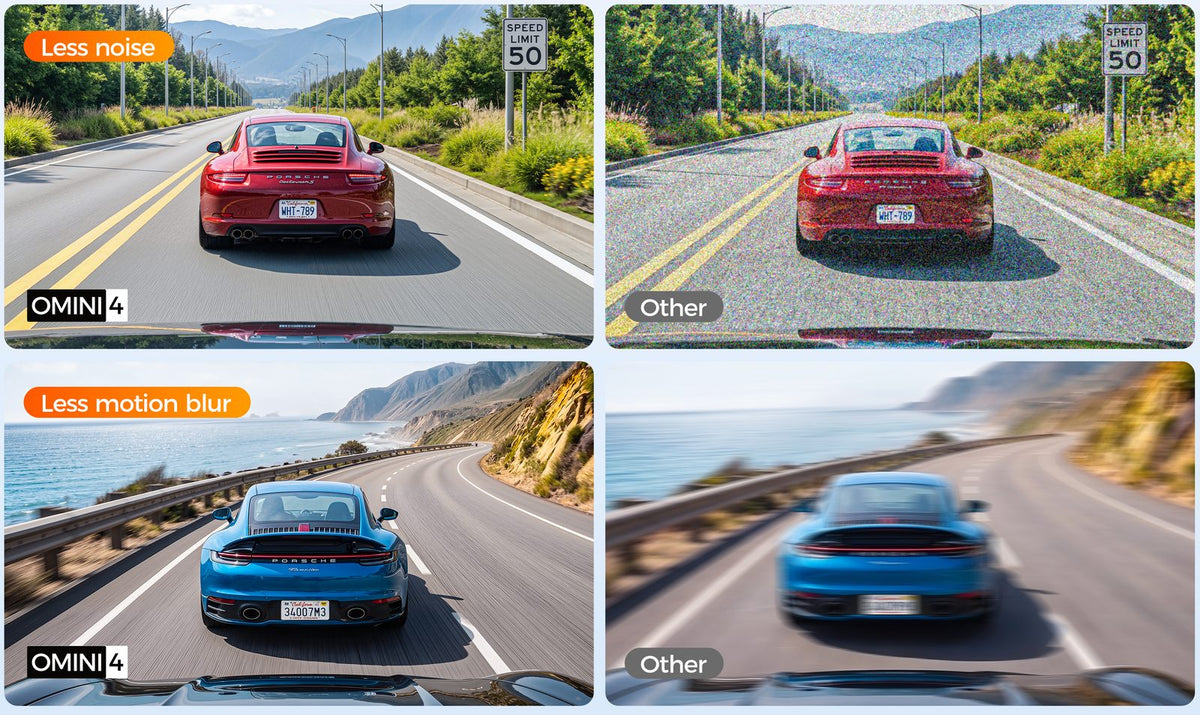
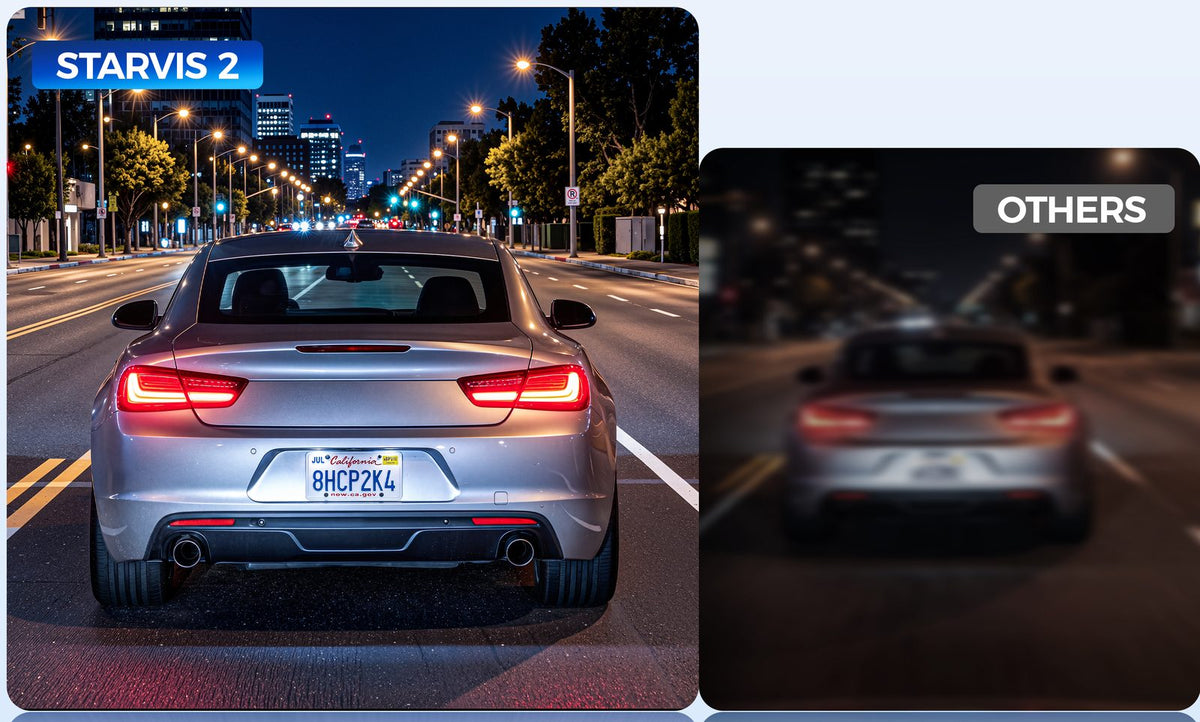
The front camera pairs a Sony STARVIS 2 sensor with an f/1.8 lens. Plates, signs and lane markings stay readable in bright sun, and after dark the sensor pulls detail out of the shadows.
*Sony sensor data: 2.5× near-infrared sensitivity vs. an earlier Sony STARVIS sensor; 78 dB dynamic range in single-exposure mode. STARVIS is a trademark of Sony Group Corporation.
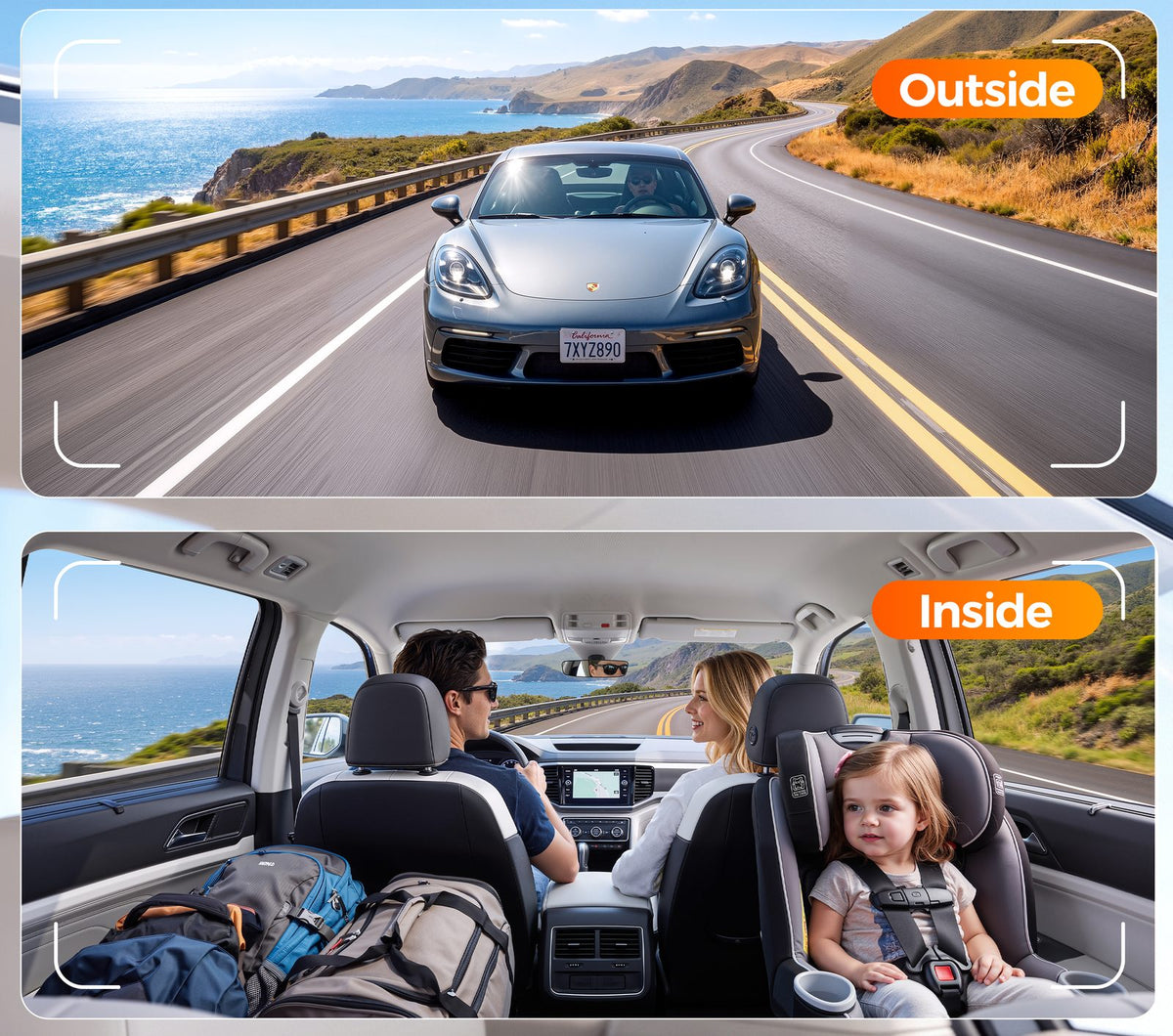
Aim it out the back window to catch the driver behind you, or turn it toward the cabin to keep an eye on the kids or your passengers.
However you mount it, flip the picture vertically or mirror it so it always reads the right way.
On top of recording, OMNI 4 gives you three alerts that help you avoid trouble, and locks the footage if something does happen.
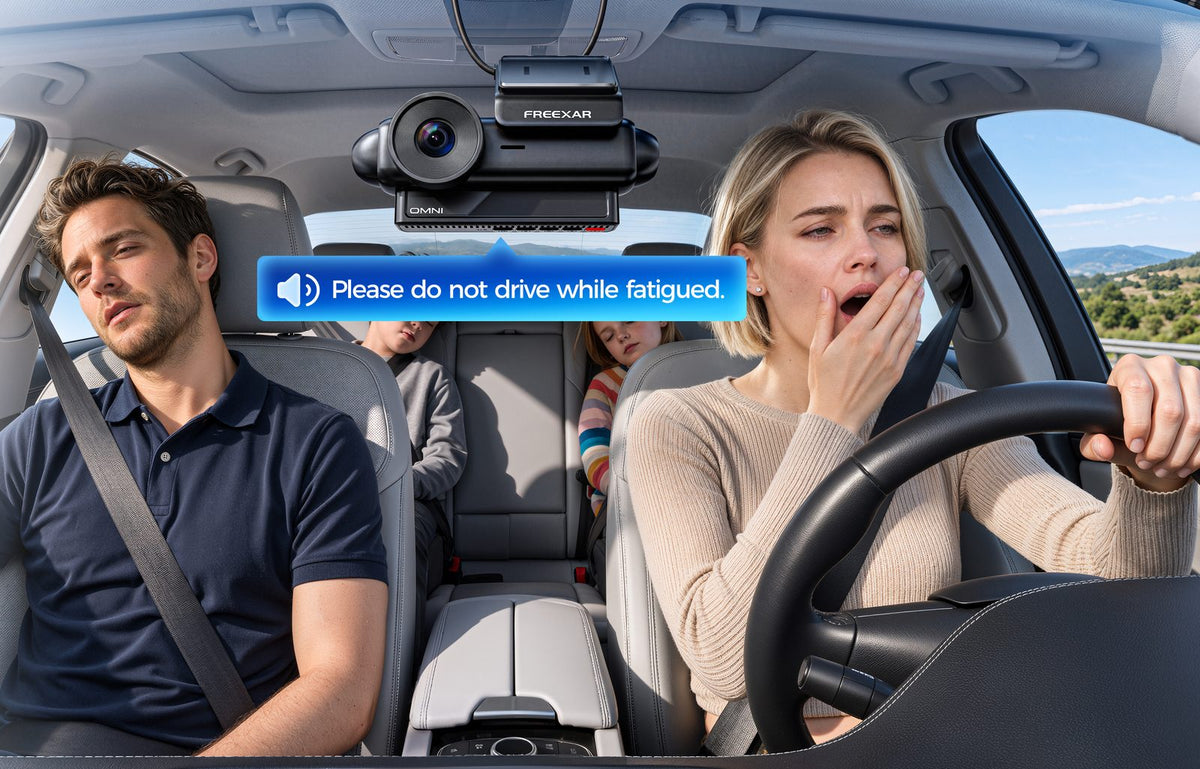
The side lens sees the driver's seat. When it spots signs of fatigue or distraction, or the camera gets blocked, OMNI 4 gives a spoken alert.
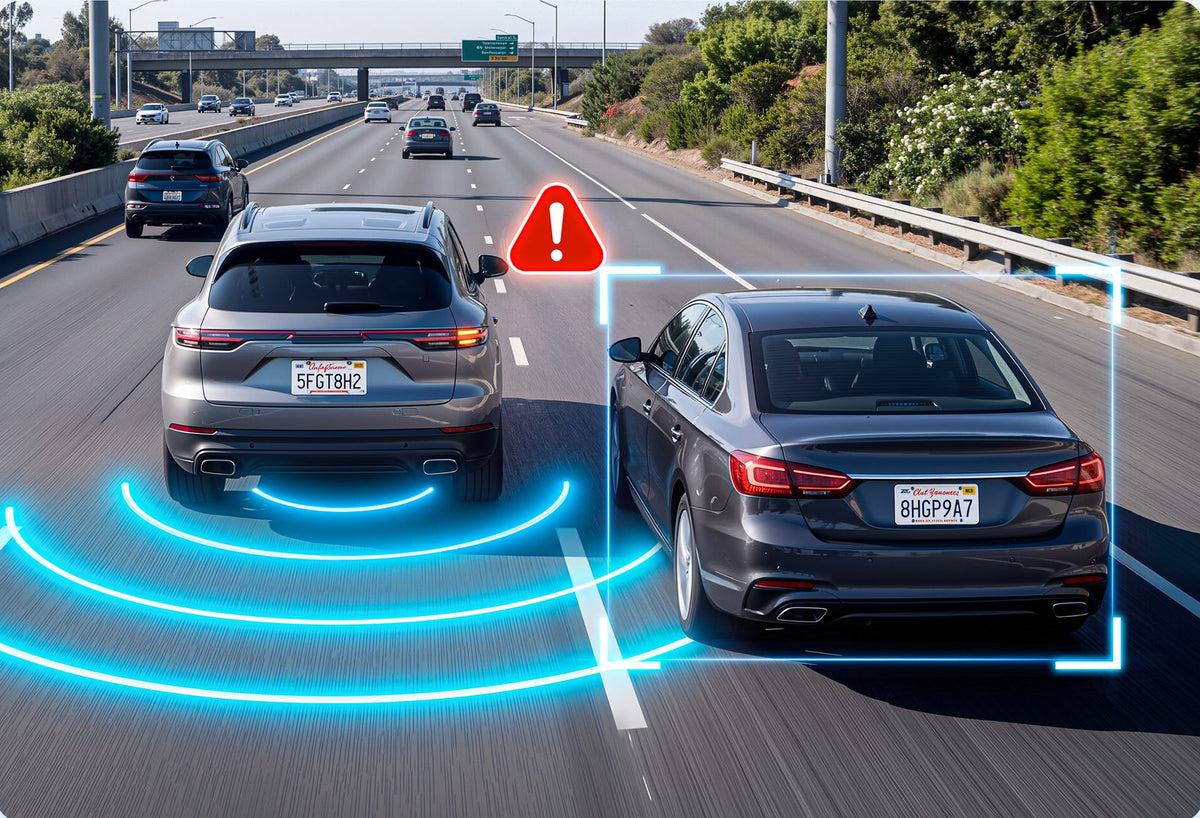
While you drive, OMNI 4 watches the lanes behind and beside you and warns you when another car is in your blind spot, before you change lanes.
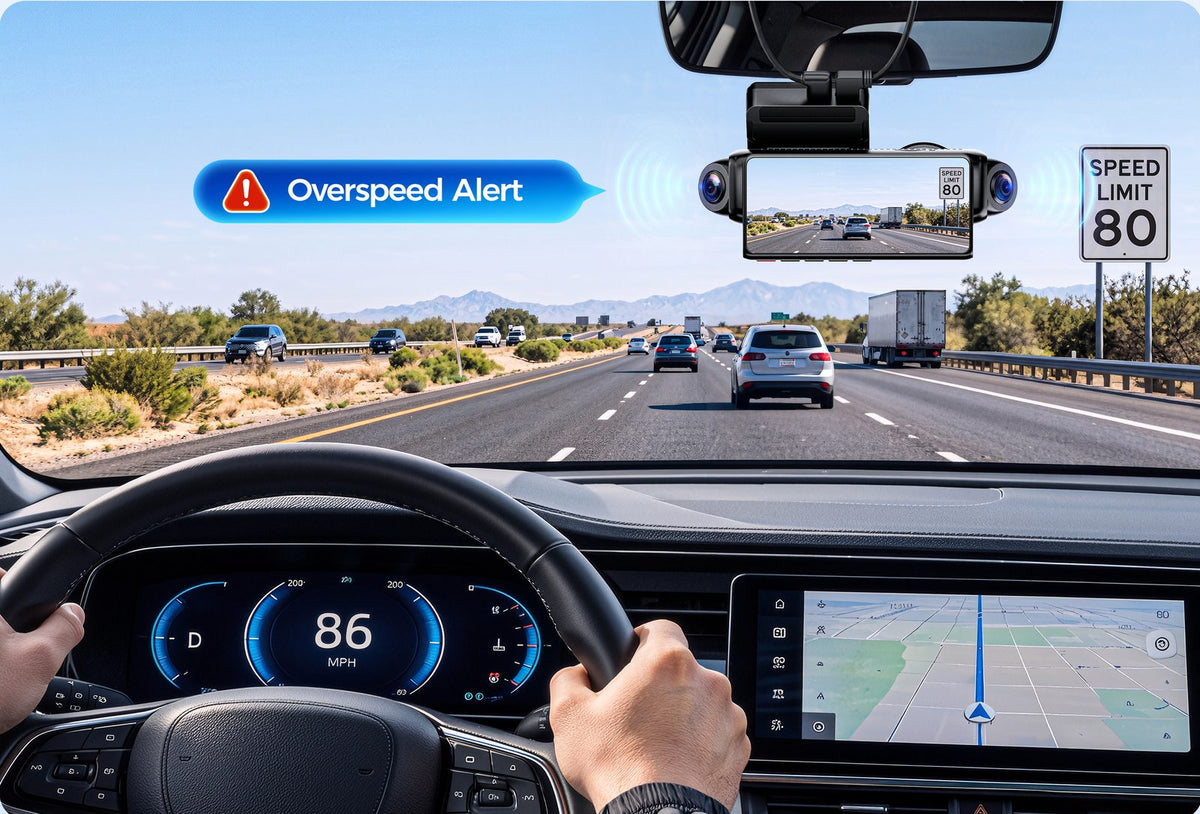
Set your own limit. With GPS on, OMNI 4 warns you whenever your speed goes over it, handy on long trips and unfamiliar roads.
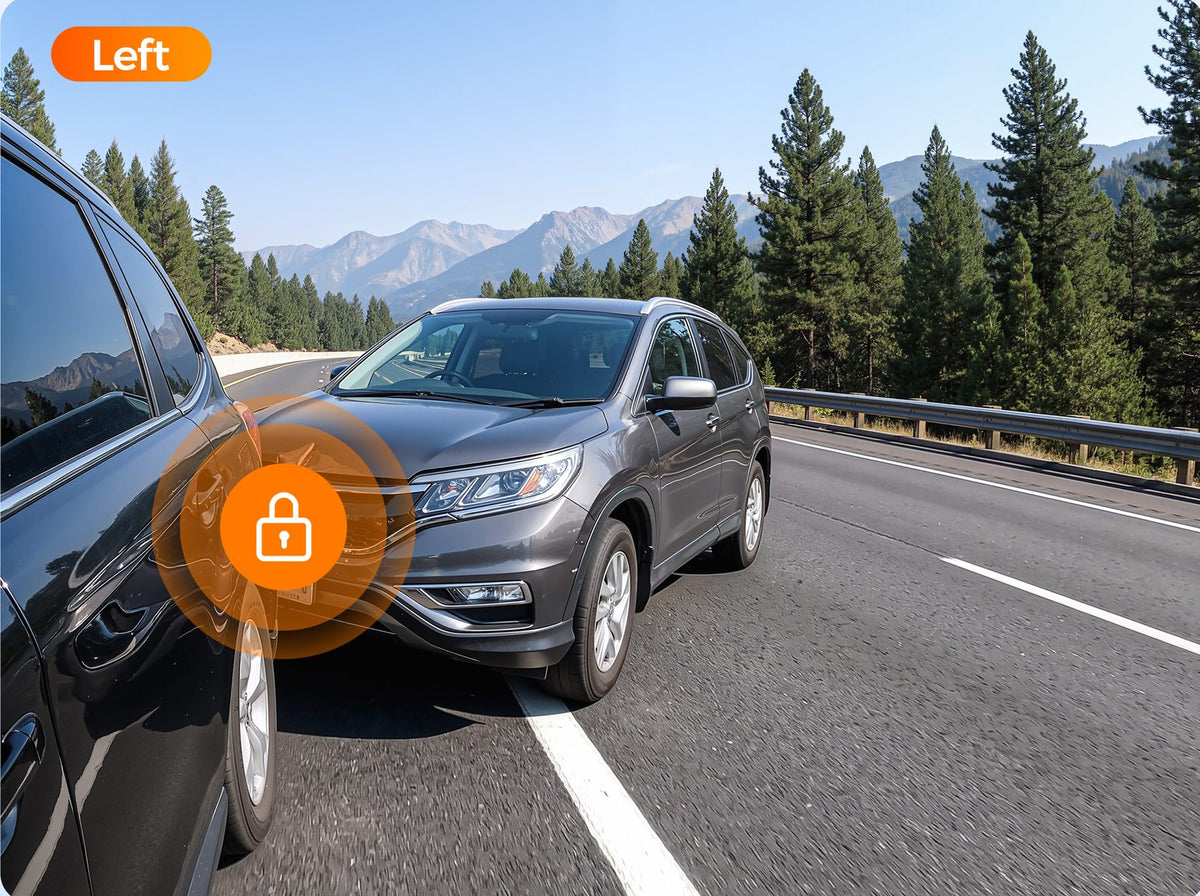
A 3-axis G-sensor feels a sudden impact and locks the recording, so loop recording can't write over it. You can also lock a clip by tapping the screen, pressing Lock or saying “Lock the video”.
DMS and BSD are driver-assistance features only. Always stay alert and check your surroundings.
Three parking modes. Pick the one that fits where you park; one runs at a time.

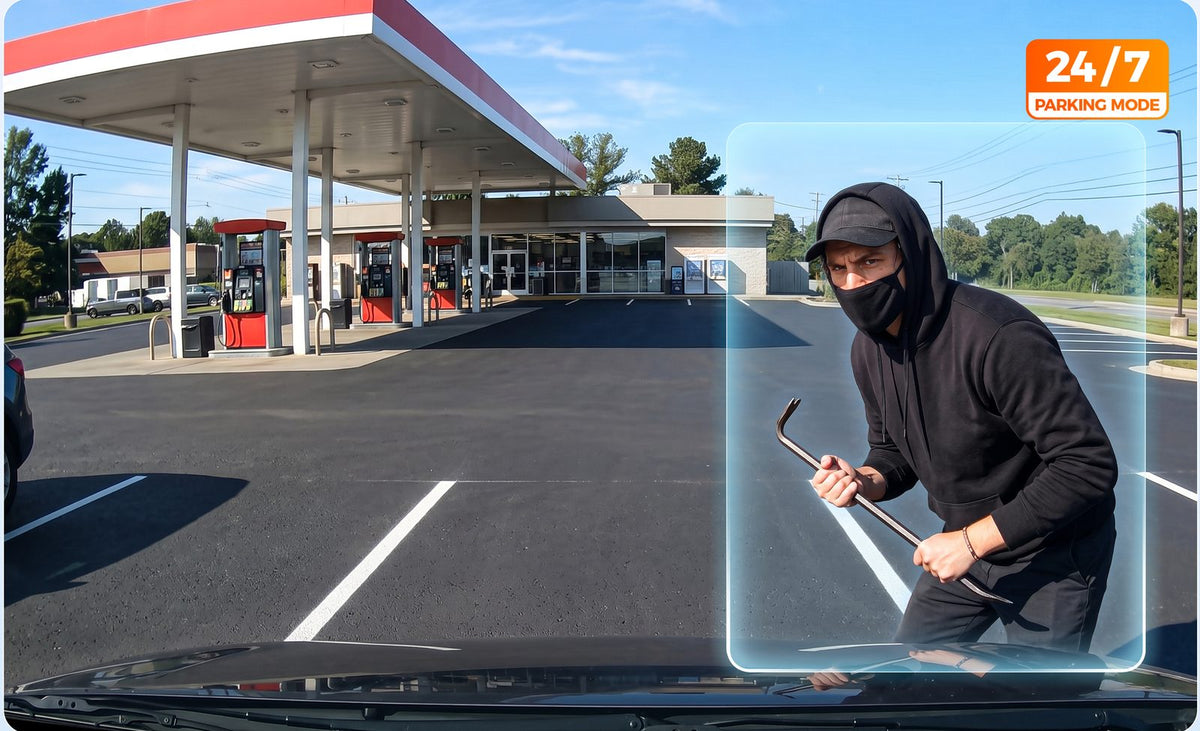
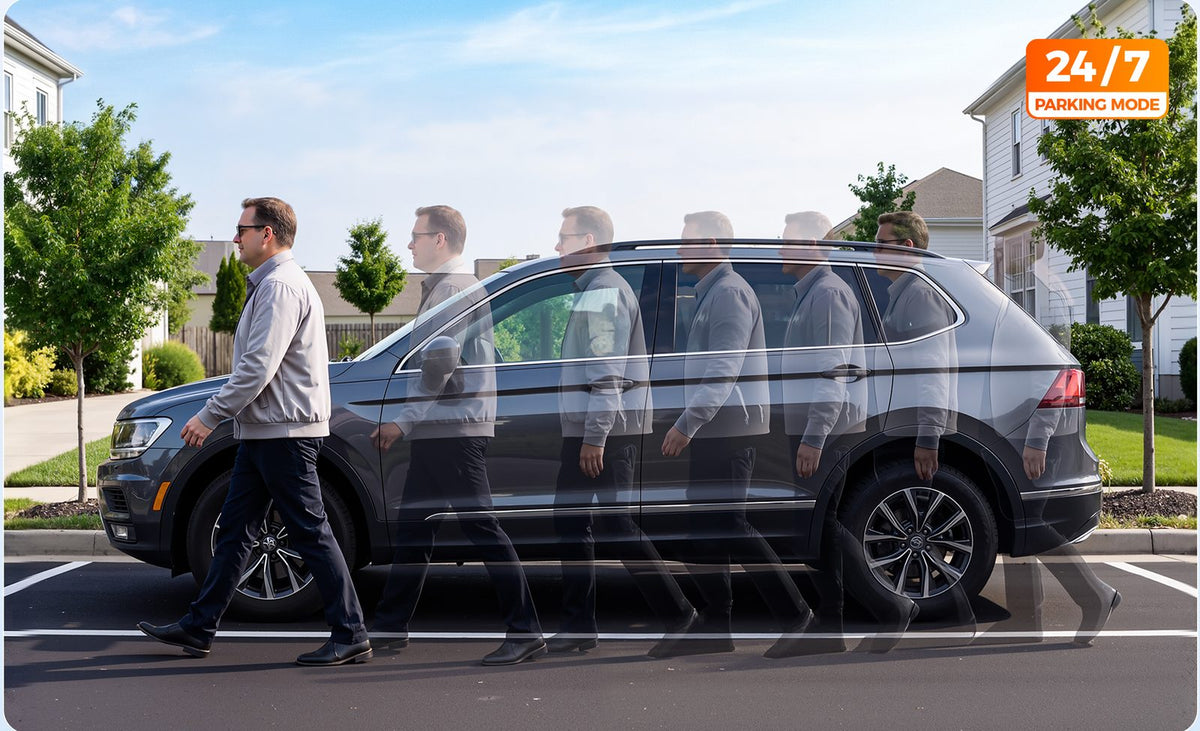
After you switch off, OMNI 4 waits in standby. A bump or impact wakes it to record a 1-minute clip, and the next time you start the car it tells you: “Collision detected while you were away.”
When the front camera sees movement within about 16 ft (5 m), it records a 1-minute locked video. Good for hotels, rest stops and gas stations.
Records nonstop at 1, 2 or 3 frames per second for 12, 24 or 48 hours, using far less storage than normal video. Ideal overnight or in long-term parking.
Parking mode needs the OMNI hardwire kit or an OBD power cable, sold separately.
Get the OMNI hardwire kitTouch, talk or use your phone. Recording starts on its own when the car powers on.
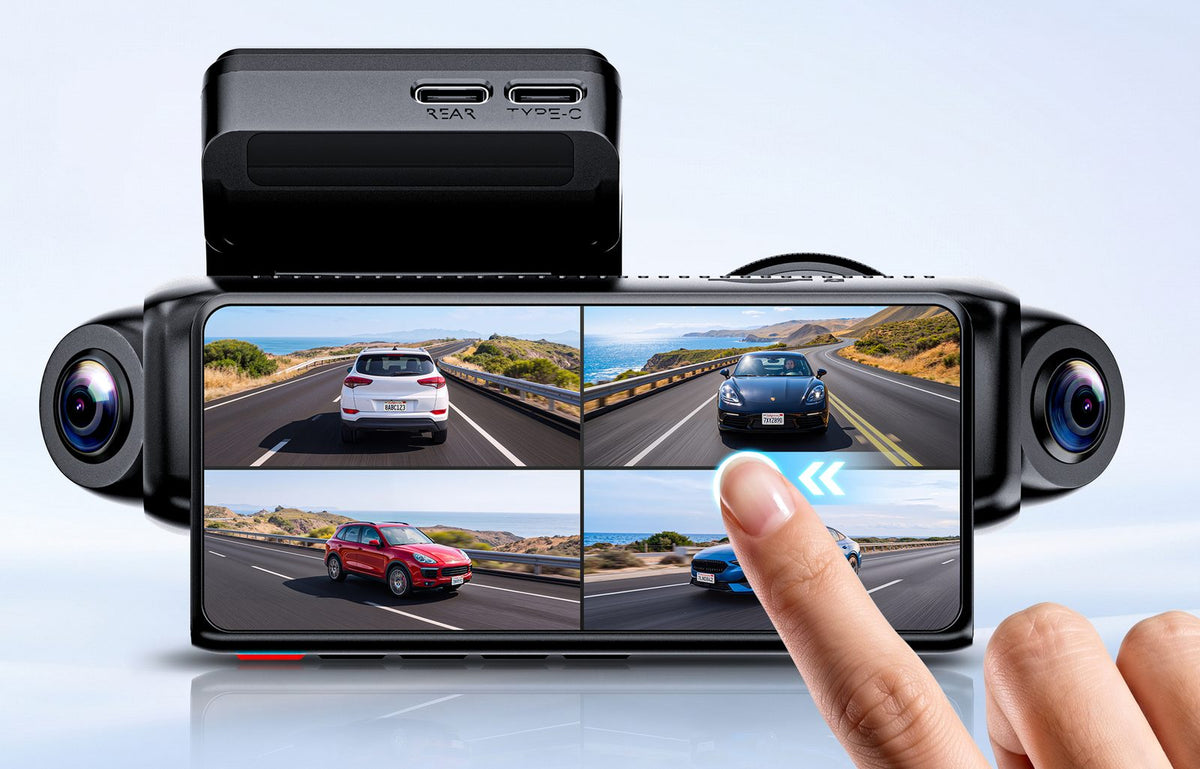
Swipe to move between the four views, swipe up or down to adjust the viewing angle, and tap to lock a clip or take a photo.
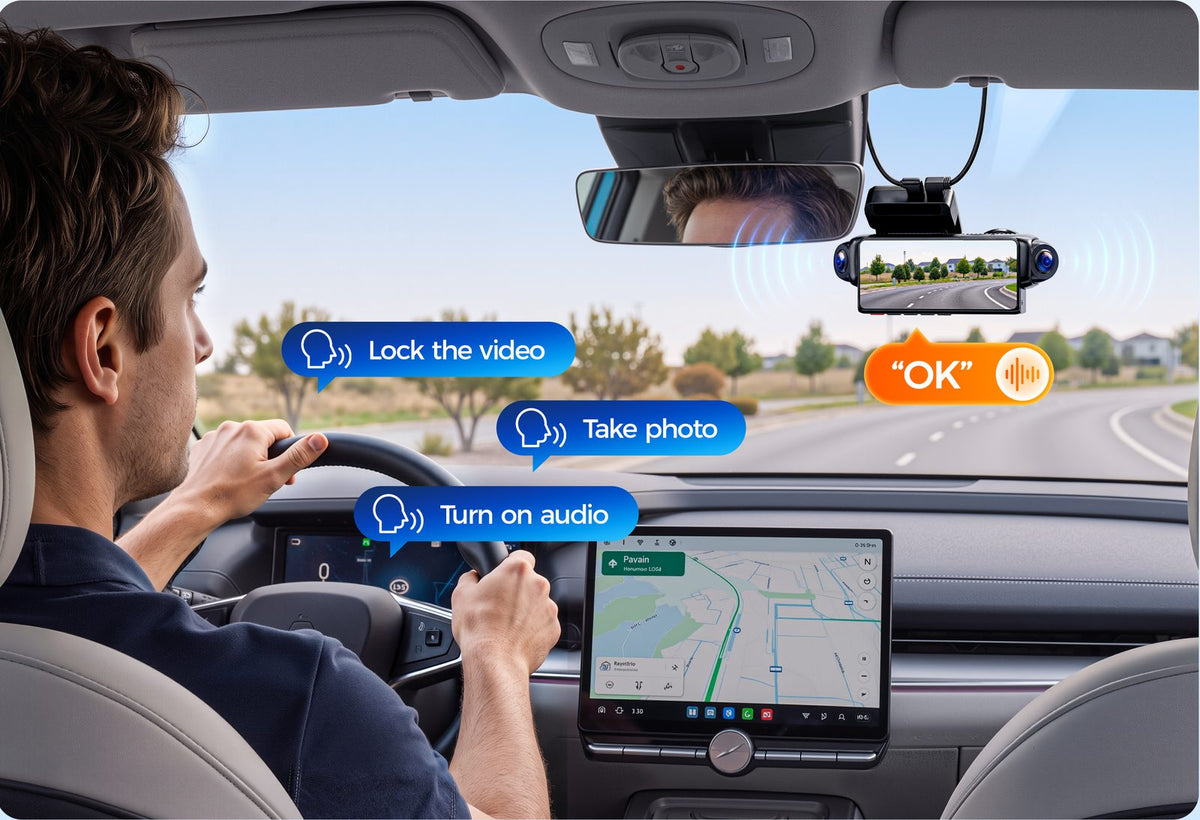
Keep your hands on the wheel. Commands are spoken in English.
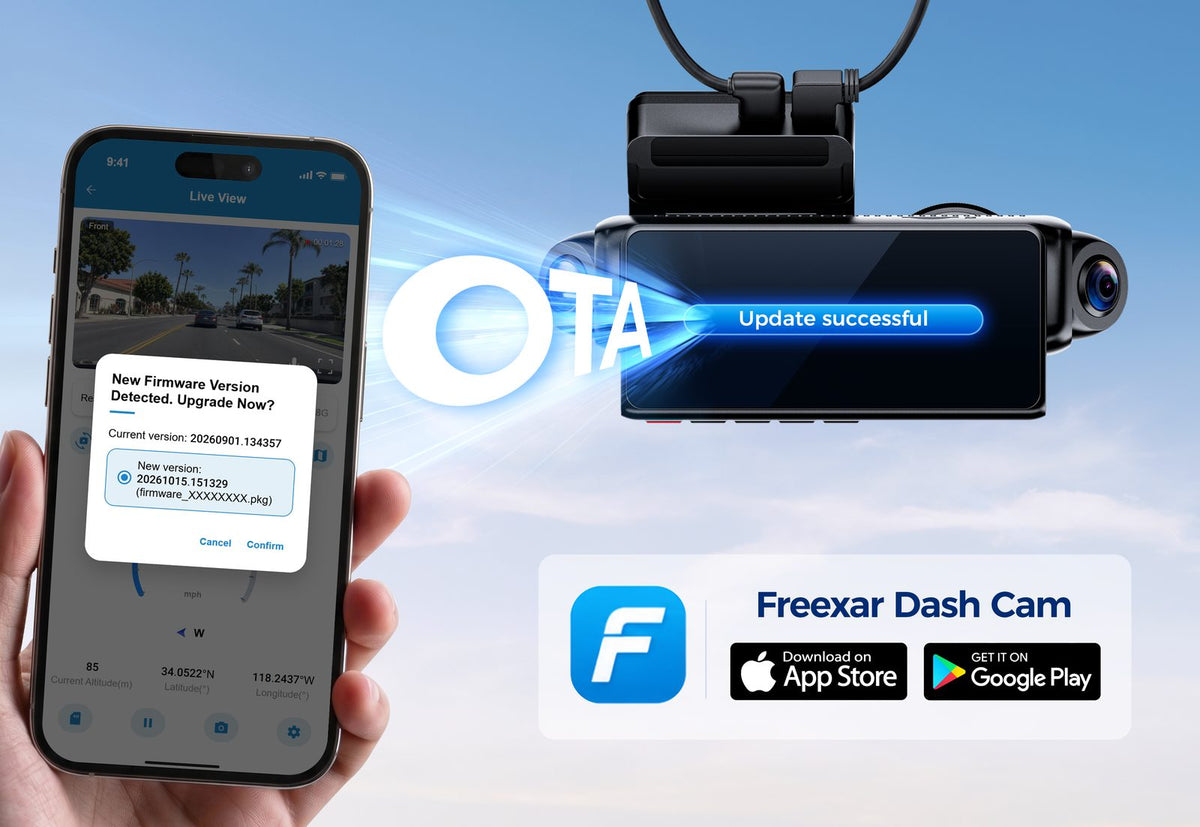
Connect the free Freexar Dash Cam app (iPhone and Android) to watch live, change settings and download clips. Use 5.8GHz for faster downloads; firmware updates arrive through the app.
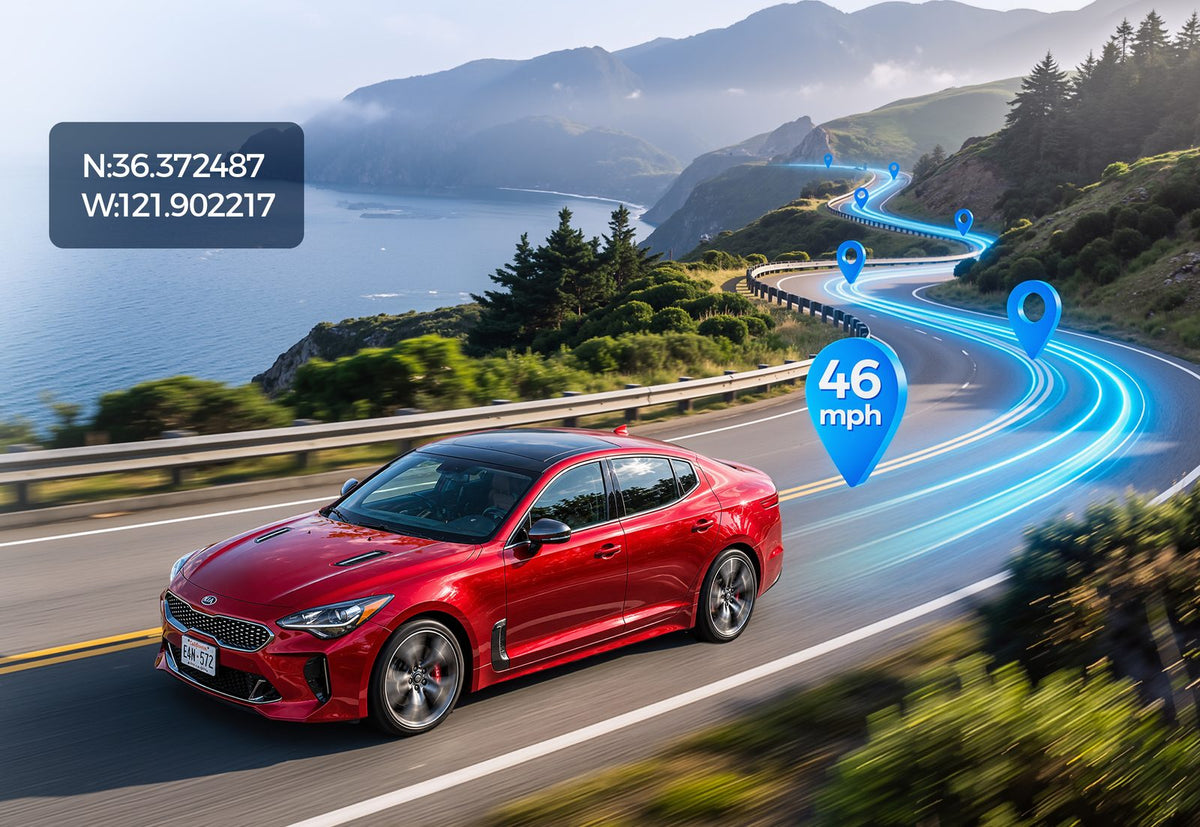
Speed, location and route are saved with every video. Replay them on a map with GPS Player on your computer.

A supercapacitor stands up to a hot or freezing car far better than a lithium battery. OMNI 4 is rated from -4°F to 158°F (-20°C to 70°C).
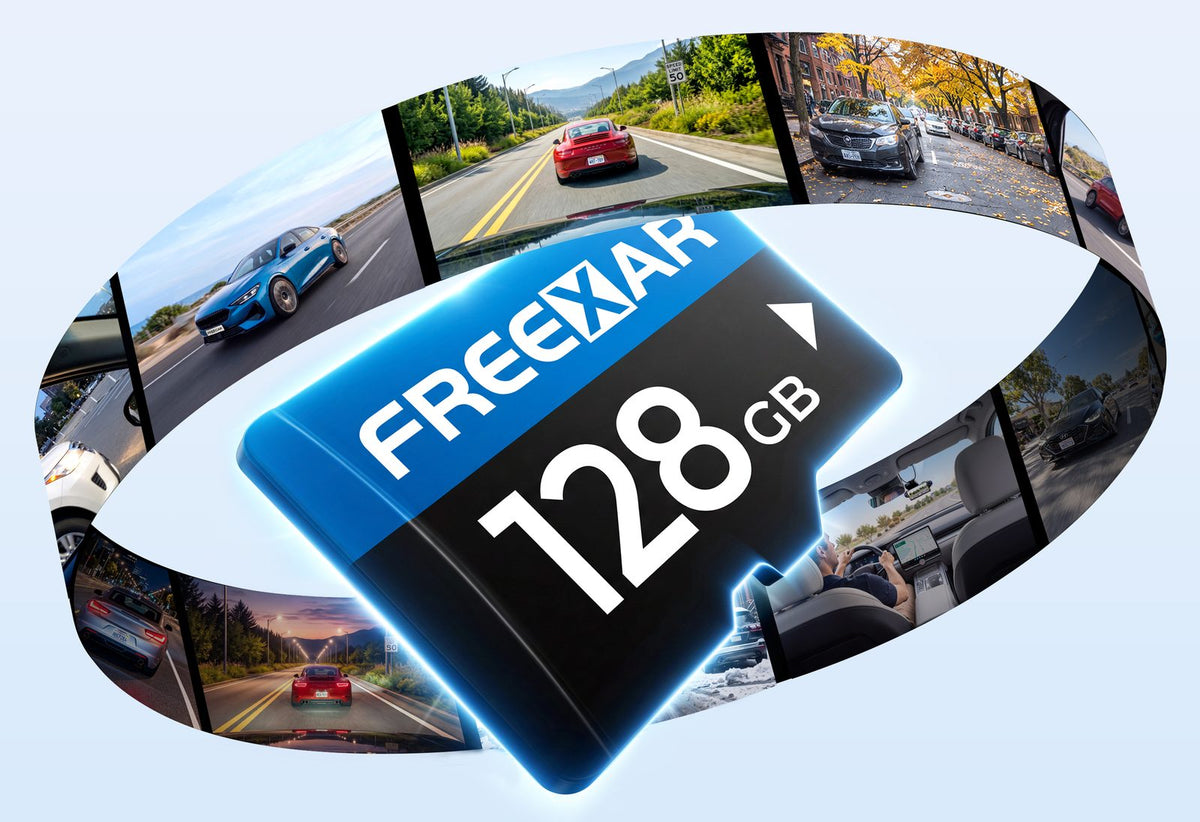
The memory card comes pre-installed. When it fills up, loop recording replaces the oldest unlocked clips. Takes U3 microSD cards up to 512GB.
Everything you need is in the box, including the trim tool and cable clips.
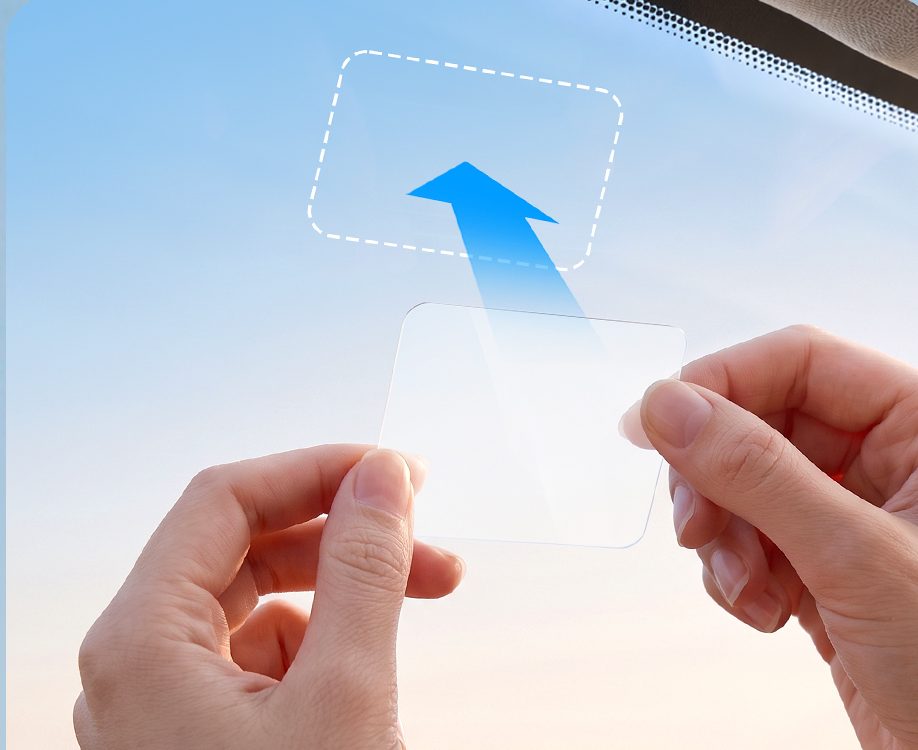
Clean the windshield behind the rear-view mirror and smooth on the electrostatic film. The adhesive sticks to the film, never the glass.
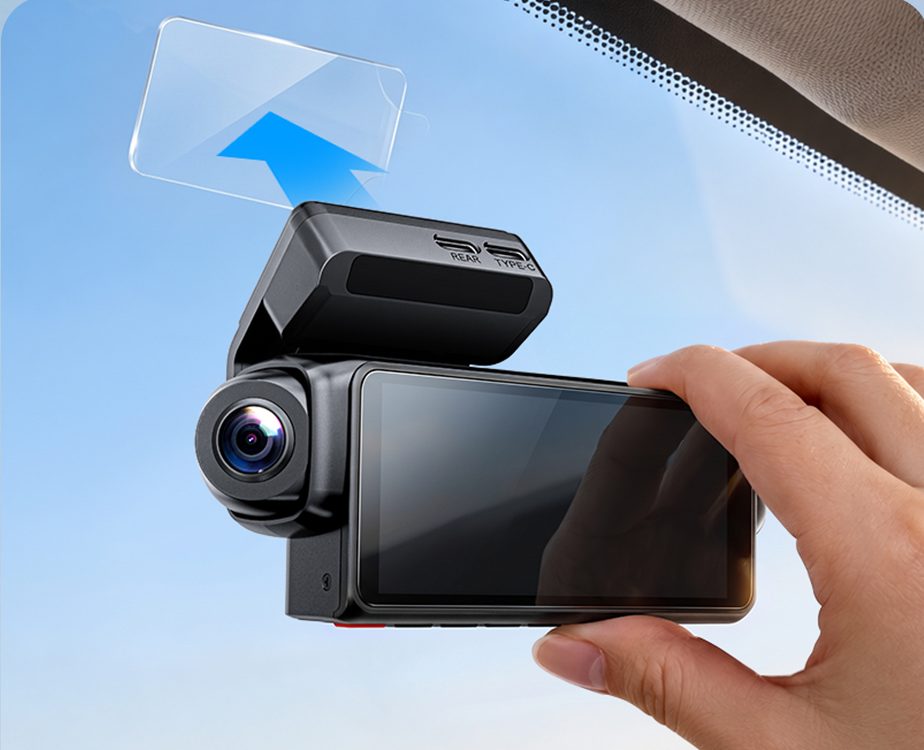
Press the mount onto the film and plug in power. The camera slides off its bracket whenever you want to take it with you.
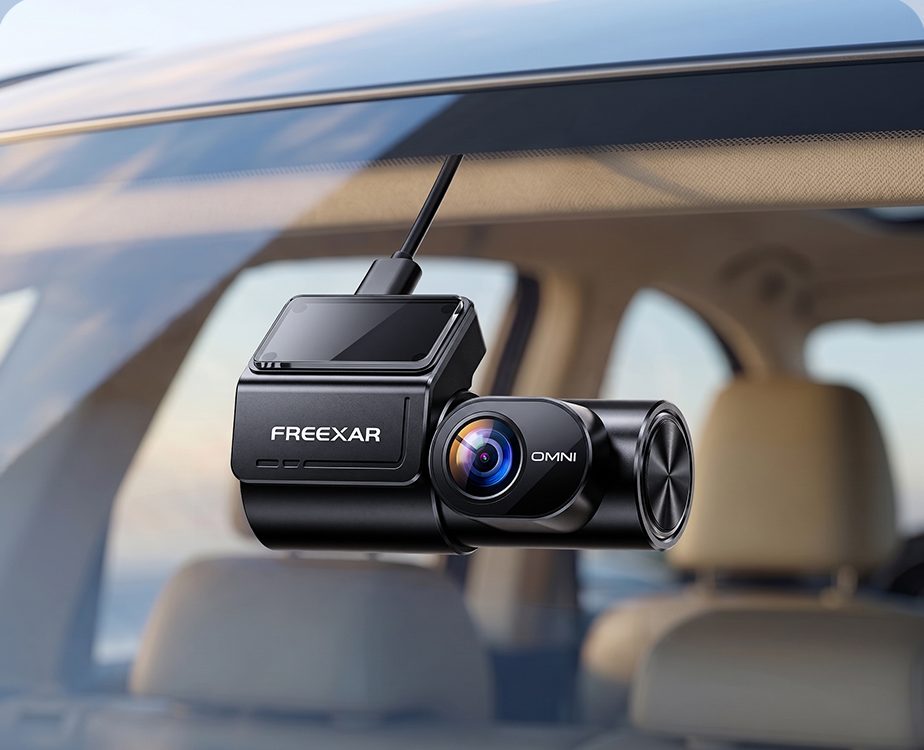
Tuck the 20 ft cable along the headliner with the trim tool and mount the rear camera on the back window.
Hardwiring for parking mode? We recommend a professional installer.
Sold separately: CPL filter and ACC hardwire kit.
Yes. The left and right fisheye lenses take in the side windows and part of the cabin, and the rear camera can turn to face the cabin. IR LEDs light the cabin in the dark (Auto, On or Off).
You can turn audio recording off at any time, or mute it when you export a clip in the app.
Yes. Parking mode needs constant power from the FREEXAR OMNI ACC hardwire kit or an OBD power cable, both sold separately. We recommend the official kit: third-party kits may not match the camera's A8–B8 pin configuration.
No. The camera's Wi-Fi connects straight to your phone within about 16 ft (5 m). It doesn't use mobile data or the cloud, so there's no remote viewing over the internet.
A 128GB card comes pre-installed. OMNI 4 takes U3-rated microSD cards up to 512GB. Format any new card in the dash cam before you use it.
Three ways: on the dash cam's own screen, in the Freexar Dash Cam app over Wi-Fi, or on a computer with a card reader. For .TS files, use the GPS Player that comes on the memory card; it also shows the route and speed.
OMNI 4 comes with a 12-month limited warranty. Register your OMNI 4 for a free extra 12 months, up to 24 months in total. Technical support is free for life, and we replace included accessories that fail in normal use.